Diagram Tool: an online diagram editor for the diagrams you already have
Diagram Tool is an online diagram editor. Open the diagram you already have, whether it is a PDF, a Visio file, a PowerPoint slide, a draw.io file or just an image, edit it in your browser, and save it in the format you need. Your files stay on your computer. Nothing is uploaded, and nothing is locked in.
No credit card required. Try it free for 1 hour, no strings.
How it works
- Sign in with Google or Apple. Your first hour is the full editor, free, with no card.
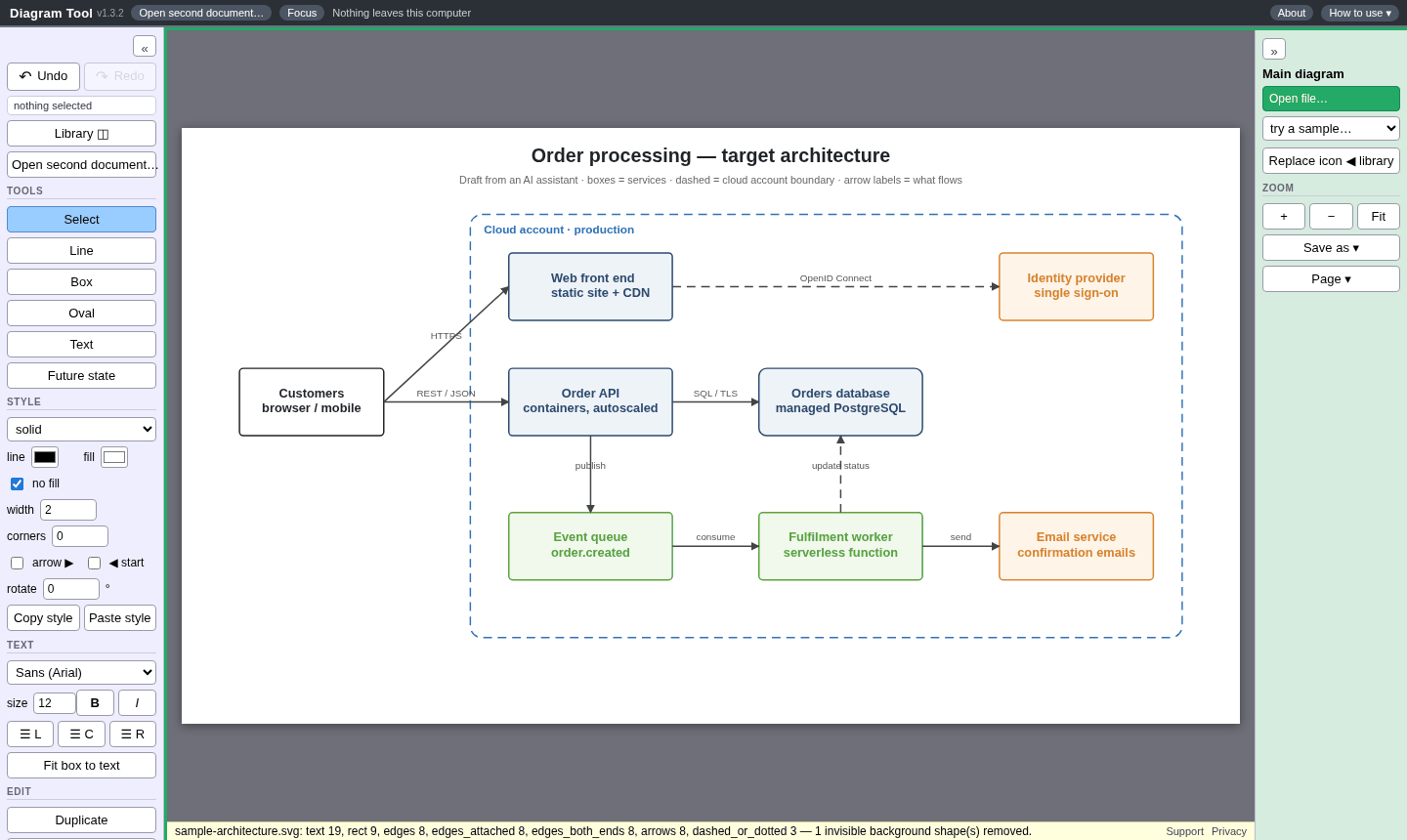
- Open the file you have, or drag it onto the page. It becomes boxes, lines and text you can change.
- Edit it: move a box and its connectors follow, change labels, re-route lines and swap icons.
- Save as PDF, Visio, PowerPoint, draw.io, SVG or another format, and pass it on.
Common jobs
What it does
Diagram Tool turns a file you already have into boxes, lines and text you can change. Move a box and its connectors follow. Add or re-route lines, change labels, and drop in icons.
- Open a PDF, SVG, Word, Visio, PowerPoint, draw.io, Mermaid, DXF or project file, or a PNG or JPG screenshot.
- Flowchart and concept-map shapes sit in their own library, separate from a Network / IT device icon set.
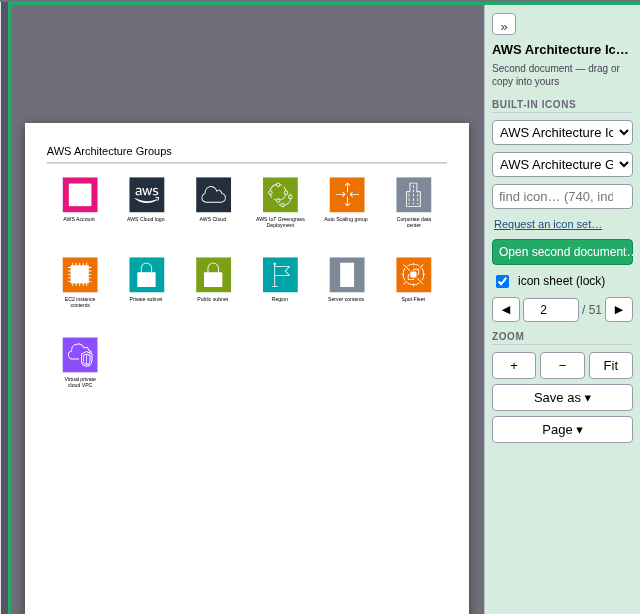
- Cloud icon packs are included: AWS, Azure, Google Cloud, Microsoft Entra, and C4 model stencils. You can search them by name.
- Bring your own icons: open an icon sheet or another diagram in the Library pane and drag what you need into your work. That happens in your browser; we never store your files on our server.
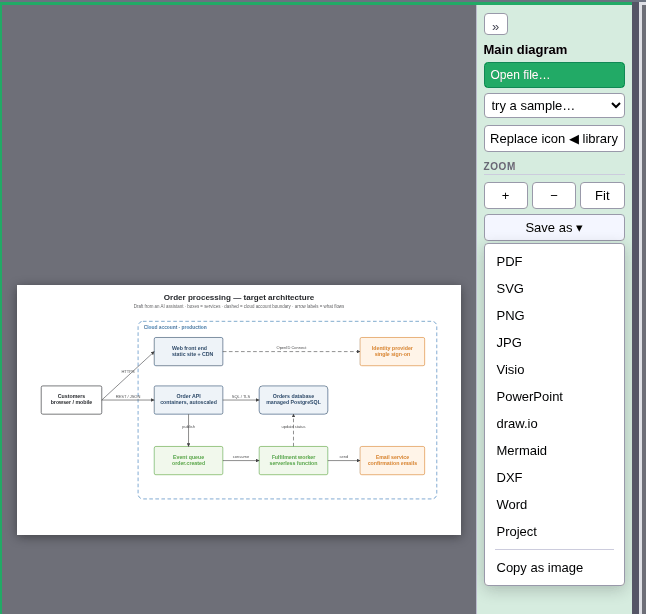
- Save as PDF, SVG, PNG, JPG, Word, Visio, PowerPoint, Mermaid, DXF, draw.io, or the editable project file. A PDF saved here opens in any PDF reader, and when you open it here again it is still fully editable.
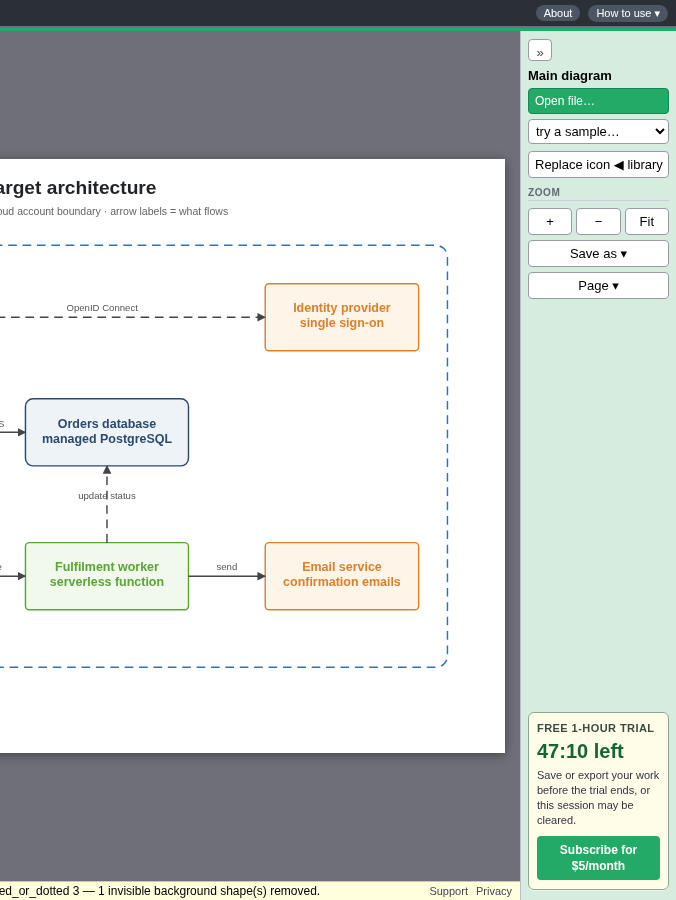
Opening a PNG or JPG is best-effort: the tool finds the text, boxes and lines and turns them into editable shapes. The original picture is hidden, so there are no gray ghost lines in your way. Click Show background in the left column if you want to trace over it.
The free hour is the full tool
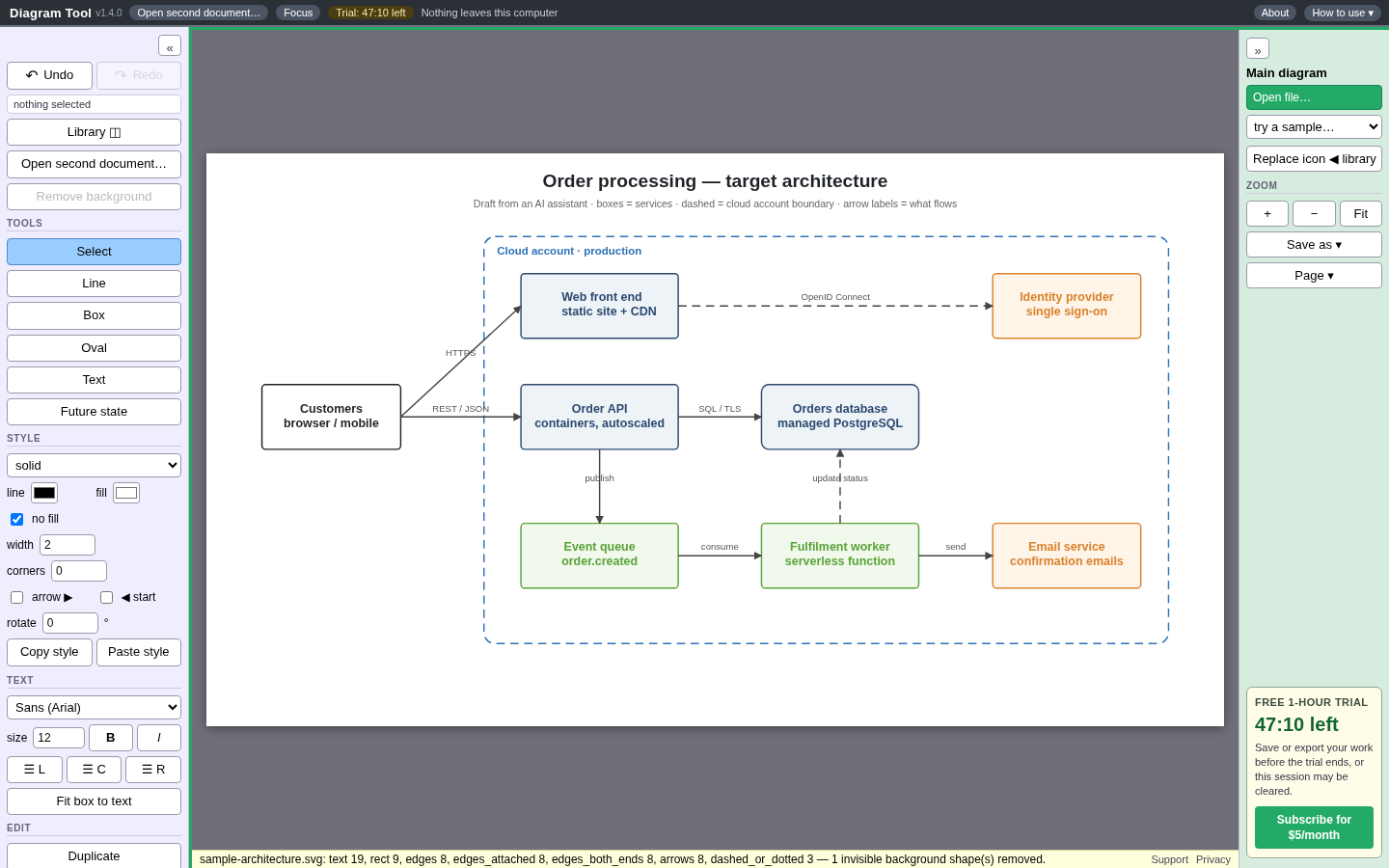
Sign in with Google or Apple and you get one hour of the complete editor, not a cut-down demo, so you can finish real work. No credit card is asked for at sign-up.
While you work, a calm, steady countdown sits in the side panel, with a “Subscribe for $5/month” button quietly underneath it. A small “Trial: mm:ss left” badge also appears in the title bar. There are no flashing prompts, no popups, and no spam.
After the hour, the hosted site asks you to subscribe ($5/month) if you want to keep using it. A card is only needed if you choose to subscribe.
Own your stuff
Once the page has loaded, opening, editing and saving happens inside your browser. The editor does not send your diagrams to a server. Sign-in is only used to check your trial or subscription.
A $5/month subscription also gives you a license to use the diagrams you save commercially, with no expiration. You own those files; we claim no rights to them. Work you create while subscribed stays licensed for commercial use even after you cancel. See the Terms.
Try it
First hour free, then $5/month. Sign in with Google or Apple. Paying also gives you a license to use the diagrams you save commercially, with no expiration. You own those files; we claim no rights to them. Work you create while subscribed stays licensed for commercial use even after you cancel.
No credit card required. Try it free for 1 hour, no strings.
You can also read about Diagram Tool on its own site.
Questions and answers
- Is Diagram Tool free?
- Your first hour is the full editor, free, when you sign in with Google or Apple. No credit card is asked for at sign-up. After the hour, the hosted site is $5 a month if you want to keep using it. Paying also gives you a license to use the diagrams you save commercially, with no expiration. You own those files; we claim no rights to them. Work you create while subscribed stays licensed for commercial use even after you cancel.
- Can I use the diagrams I save commercially?
- Yes. A paid subscription gives you a license to use the diagrams you save commercially, with no expiration. You own those files; we claim no rights to them. Work you create while subscribed stays licensed for commercial use even after you cancel. It does not grant rights in diagrams or other material you do not already own.
- Are my diagrams uploaded to a server?
- No. Once the page has loaded, opening, editing and saving happen inside your browser. Signing in is only used to check your trial or subscription. Your files stay ordinary files on your own computer.
- Which files can Diagram Tool open?
- PDF, SVG, an HTML page with an SVG drawing inside, Word (.docx) with a picture in it, Visio (.vsdx), PowerPoint (.pptx), draw.io, Mermaid flowcharts (.mmd), 2-D DXF, PNG or JPG screenshots, and its own project file.
- Which formats can I save as?
- PDF, SVG, PNG, JPG, Visio, PowerPoint, draw.io, Mermaid, DXF, Word, or the editable project file. You can also copy the diagram to the clipboard as an image. A PDF, Visio or PowerPoint file saved here re-opens in Diagram Tool fully editable.
- Can it turn a screenshot into an editable diagram?
- Yes, on a best-effort basis. The tool reads the words and finds the boxes and lines in a PNG or JPG. Clean screenshots work best. Photos of whiteboards are rough, and dashed containers or very small labels can be lost or misread. If you have the SVG or draw.io file, open that instead.
- Can I open a Visio file without Visio?
- Yes. Open a .vsdx file in your browser, edit it, and save it as .vsdx again with real shapes and connectors, or as any other format on the list. A file made in Visio is imported, so check your own file during the free hour before you rely on it.
- Does it work with Lucidchart diagrams?
- There is no public Lucidchart file format to open directly. If you can export your Lucidchart diagram as Visio (.vsdx), PDF or SVG, open that file in Diagram Tool.