Shipped
StoryForge: turn a book into an audiobook, scripts and film, on your own PC
StoryForge is a production pipeline for writers. It keeps a series bible, helps you finish the book, casts a voice for every character, builds a narrated or fully dramatized audiobook, and turns the finished book into a TV script and a movie script. The newest stage turns those scripts into film.
Own your stuff: StoryForge runs on your own machine. It needs no StoryForge account, and none of your manuscript or files are stored with us. Every stage has a review gate, so nothing changes your canon until you approve it.
Everything below is real output from one project: Book 1, Family Is Home. To keep the story unspoiled, every sample comes from chapter 1.
12
chapters of Book 1 voiced with a full cast, through the pipeline
~120
page feature screenplay, drafted from the finished book
3 × 1 hr
TV episodes drafted from the same book
1 GPU
the film test ran on one local RTX 5090, with no paid credits
Step 1
Build the series bible and library
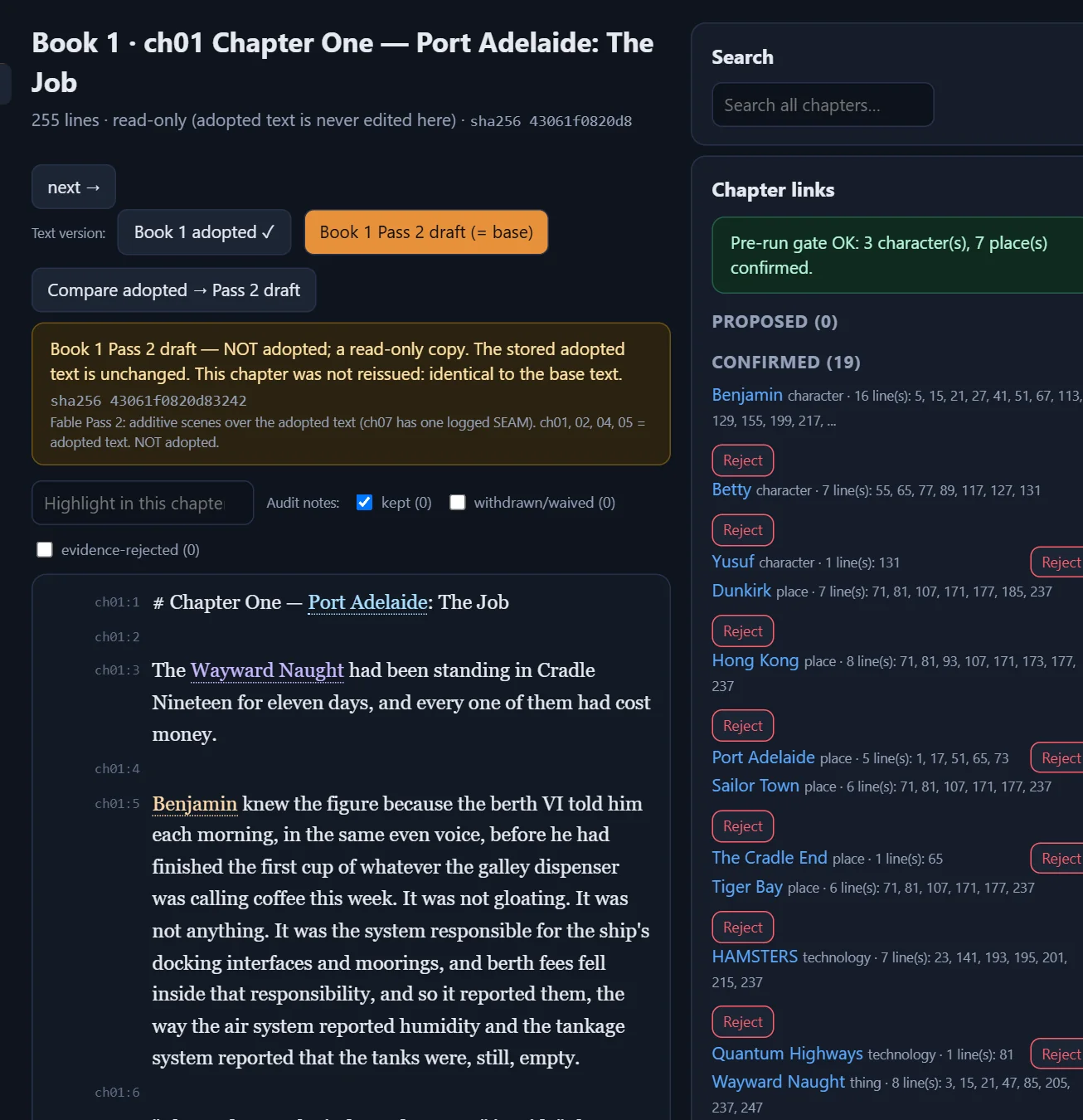
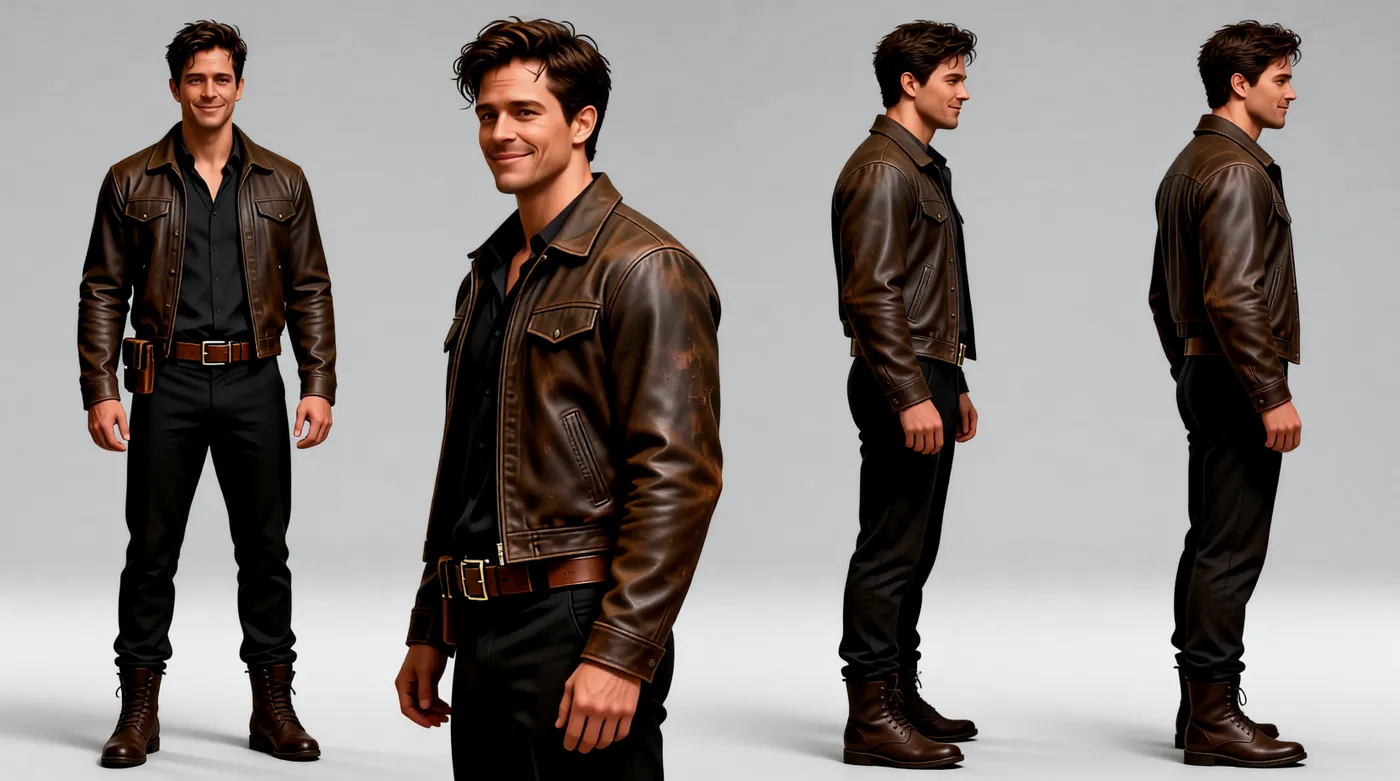
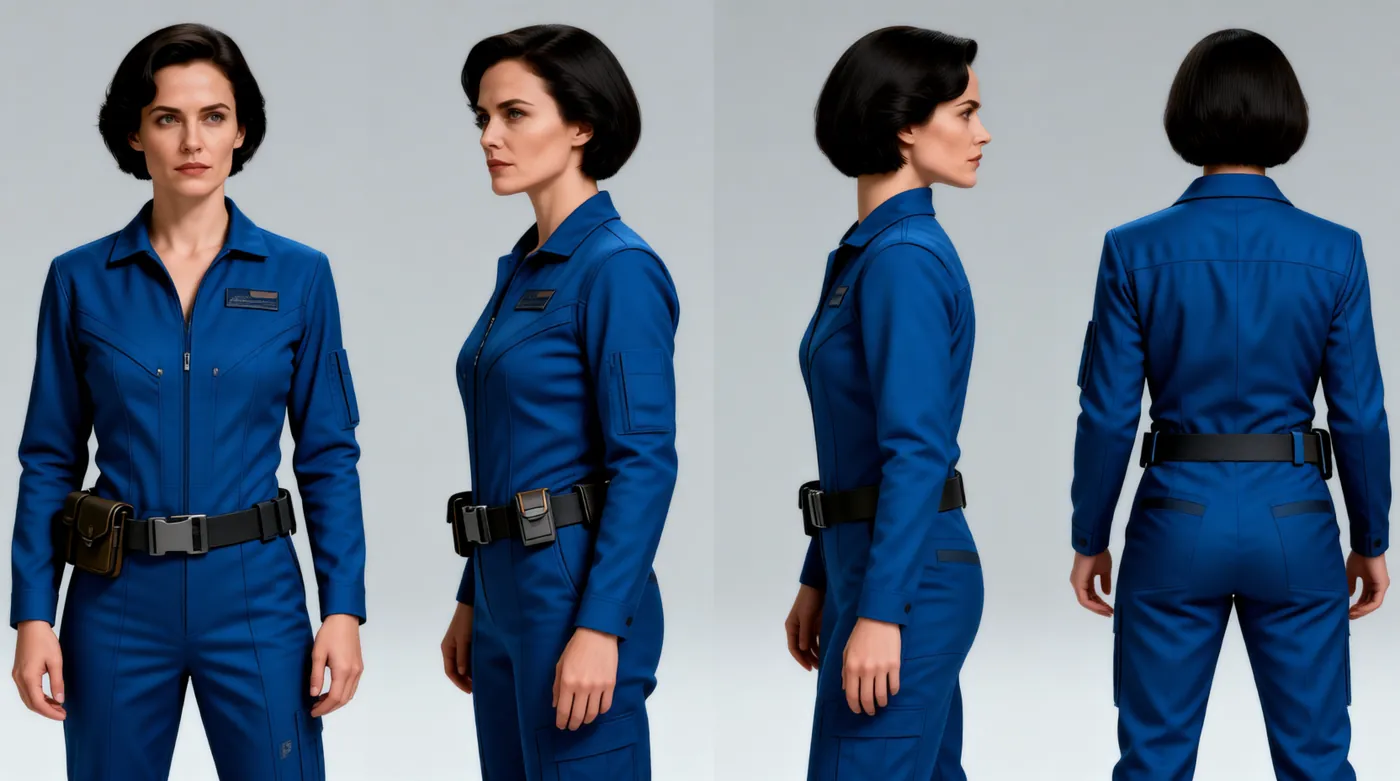
StoryForge reads your chapters and links every character, place, ship and term to its bible entry. Your canon wins: the AI can only propose a change, you see the difference, and nothing is saved until you approve it. The library also holds a model sheet for each character, so every image and every shot shows the same person.
Step 2
Finish the book
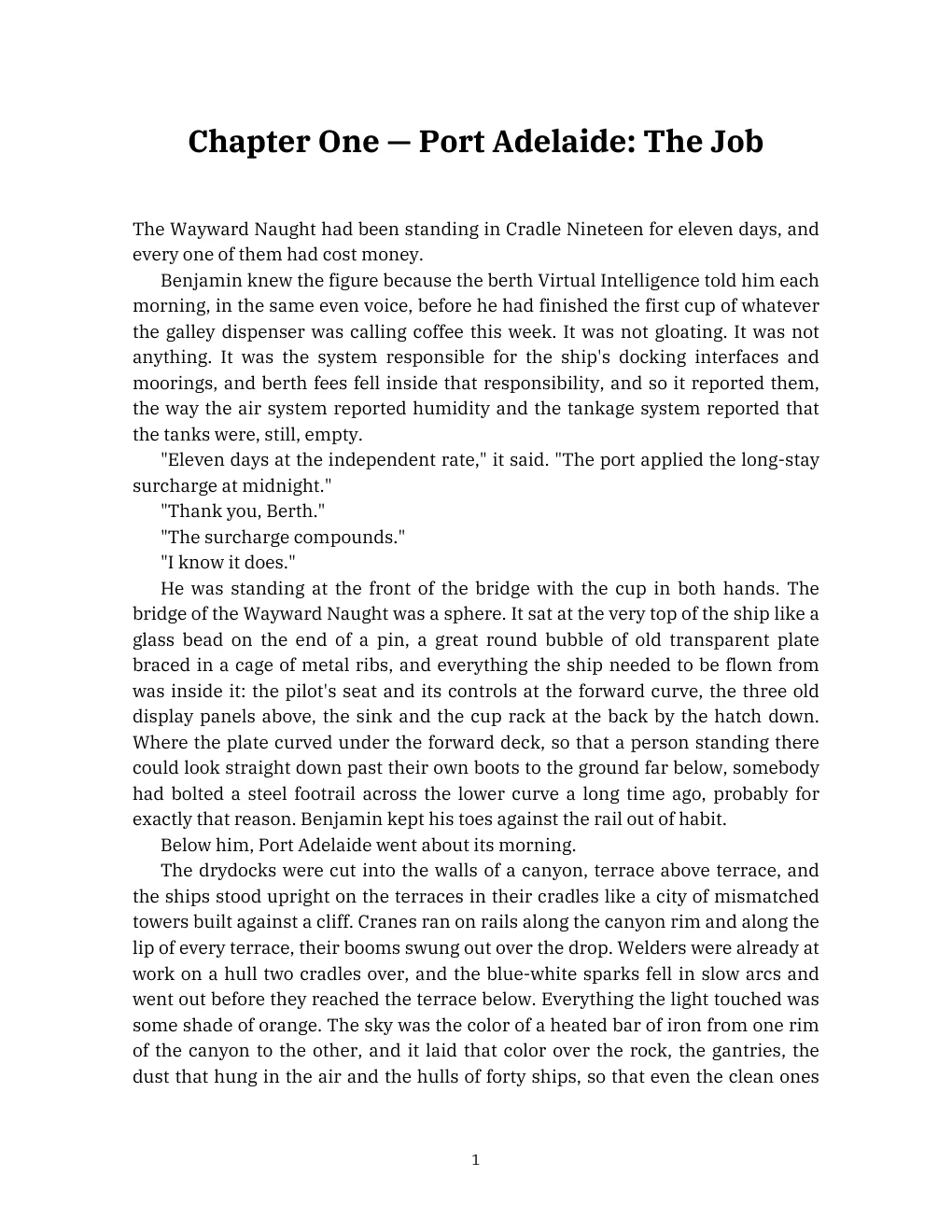
The finished manuscript is the source for everything after it. When you edit the book, every later stage can be rerun from the new text without starting over.
Step 3
Cast the voices
Every named character gets one voice and keeps it for the whole series, including the ship’s systems, which speak as their own characters. One-off speakers get a voice picked from their description. Each spoken line is saved as its own take, so a line can be redone without touching the rest of the chapter.
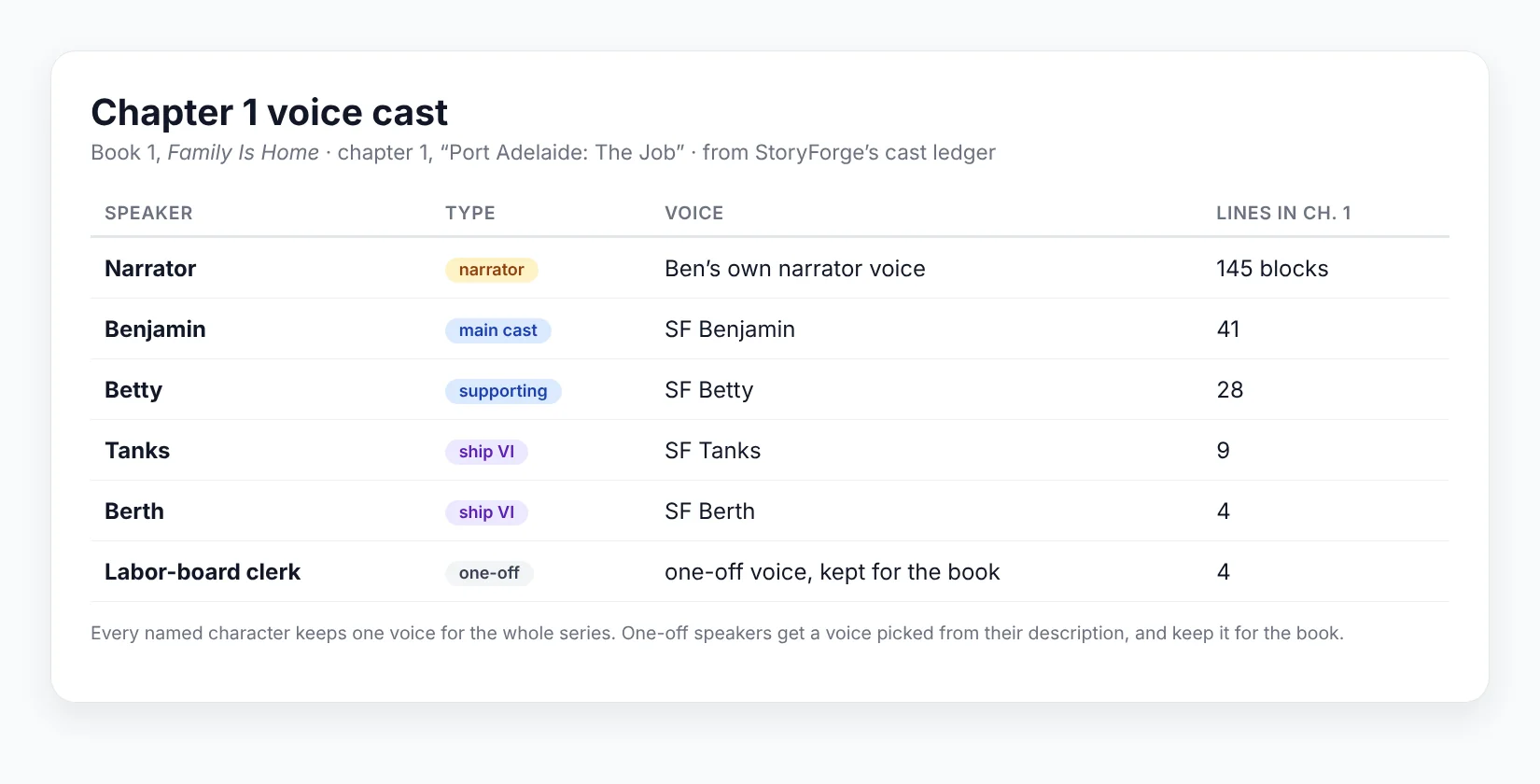
Listen: the chapter 1 cast (16 s)
Benjamin, Berth, Betty and Tanks, one line each from chapter 1.
Step 4
Narrator audiobook vs Dynamic TTS audiobook
A narrator audiobook is one voice reading the whole book, the way most audiobooks are made. A Dynamic TTS audiobook is closer to a radio drama: each character speaks in their own cast voice, the narrator carries the rest, and sound and space are mixed in around them. Same text, same passage. Listen to both:
Before: narrator audiobook (18 s)
One narrator voice reads every part.
After: Dynamic TTS audiobook (15 s)
Berth and Benjamin speak in their own voices.
The Dynamic TTS version also gets pictures: storyboard-style images for each beat, drawn from the library so places and people stay consistent. Those same images become the storyboards and start frames for the film.
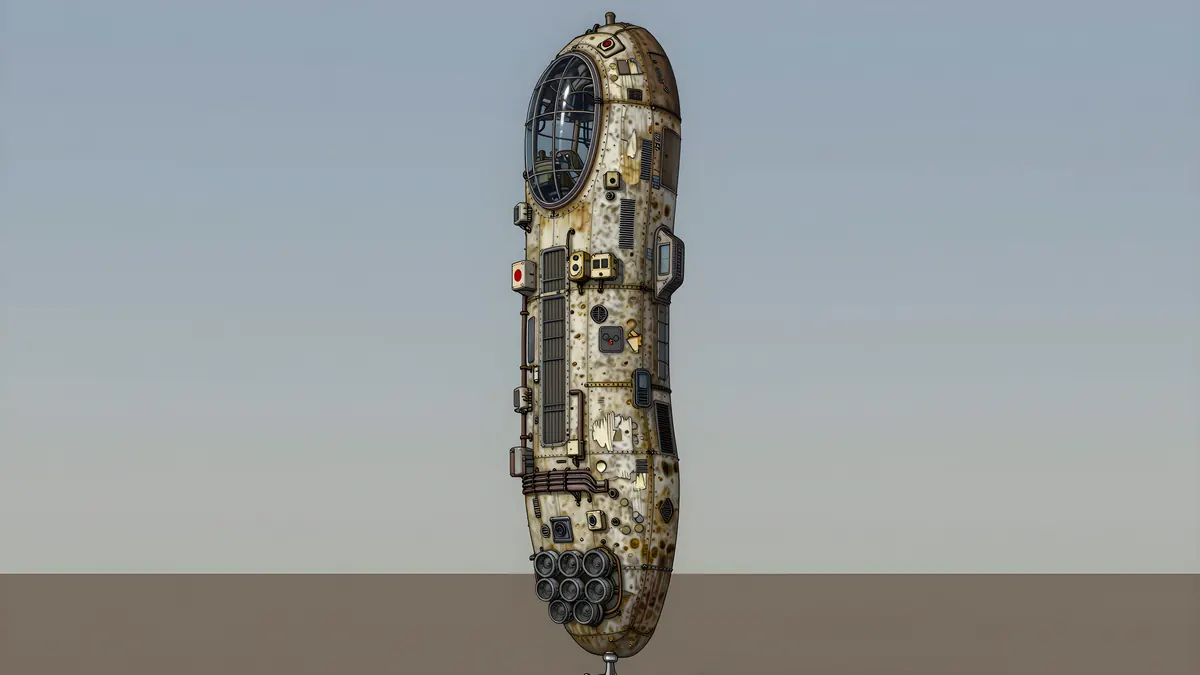
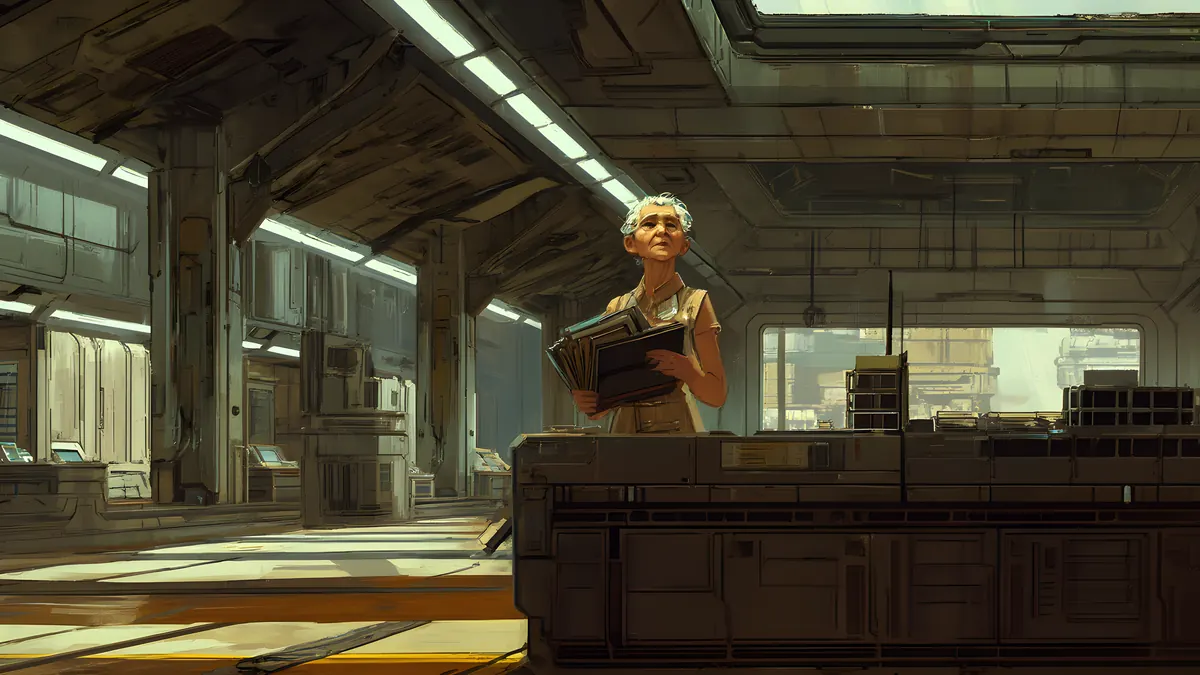
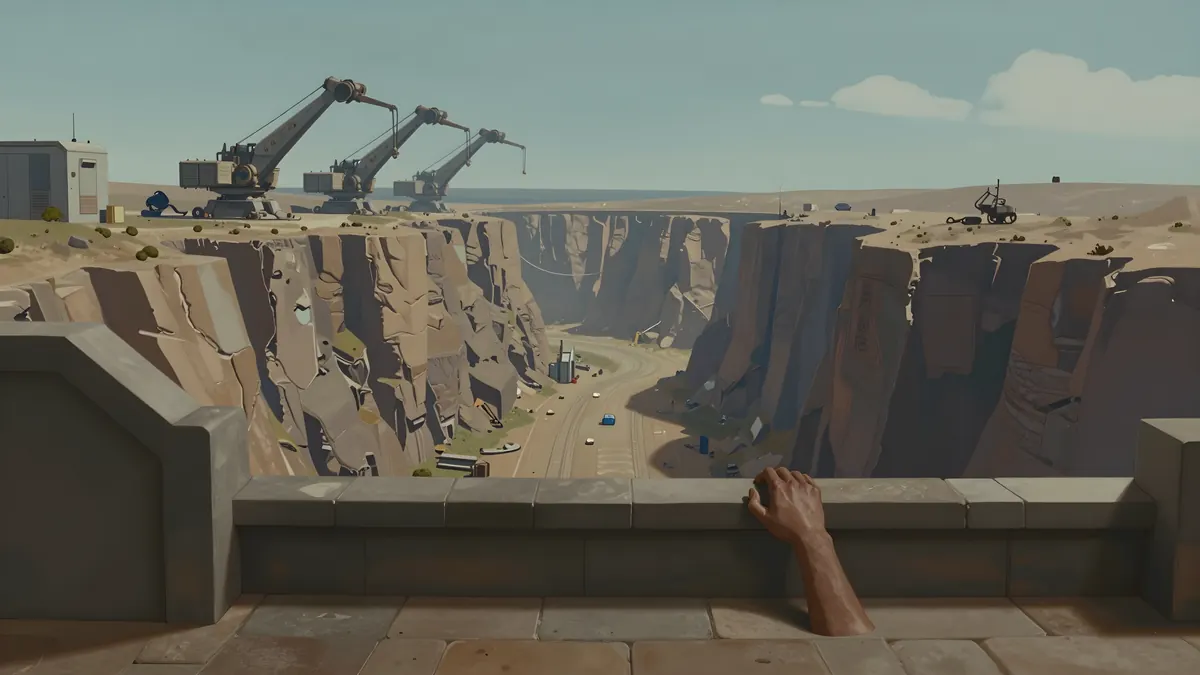
Watch the Dynamic TTS example on YouTube (opens youtube.com in a new tab)
Step 5
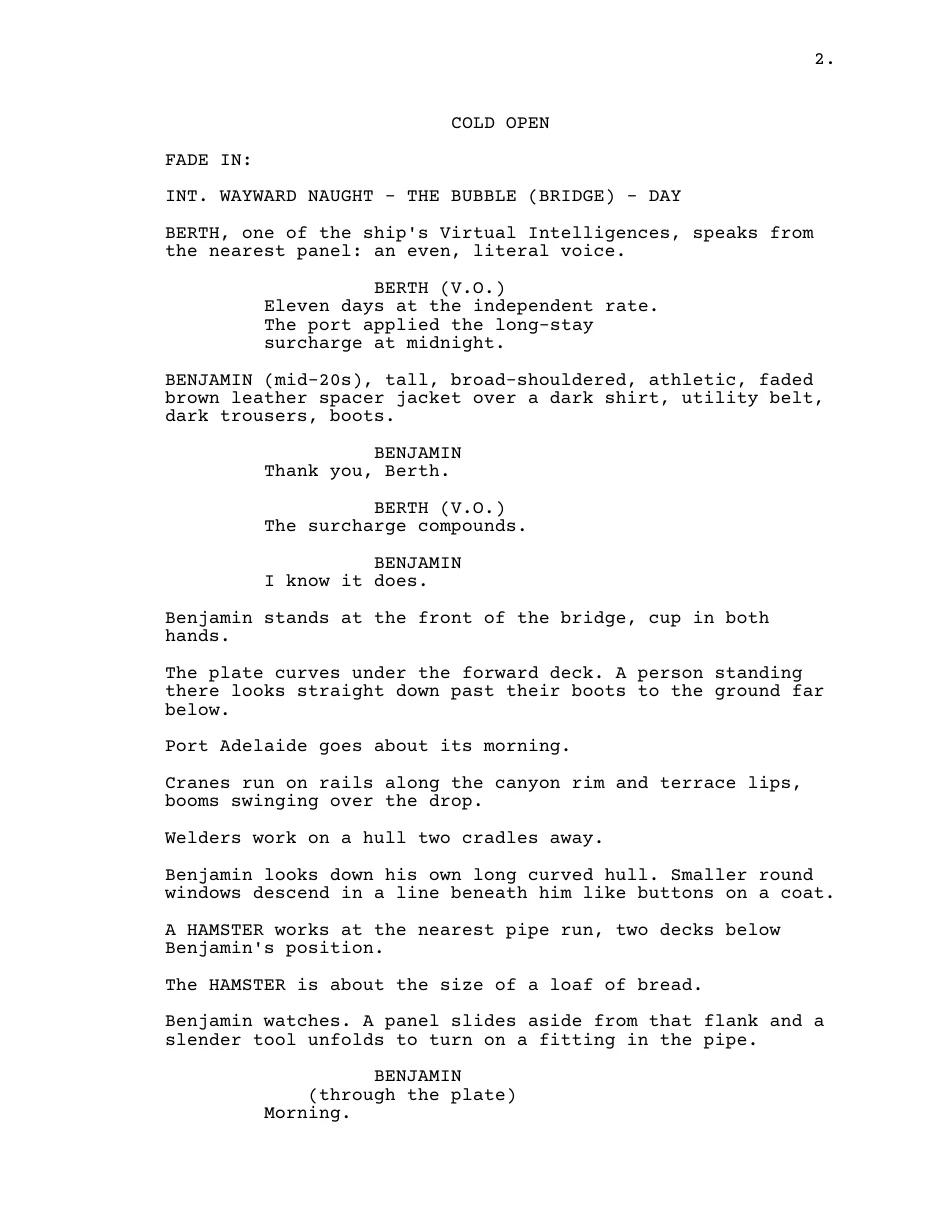
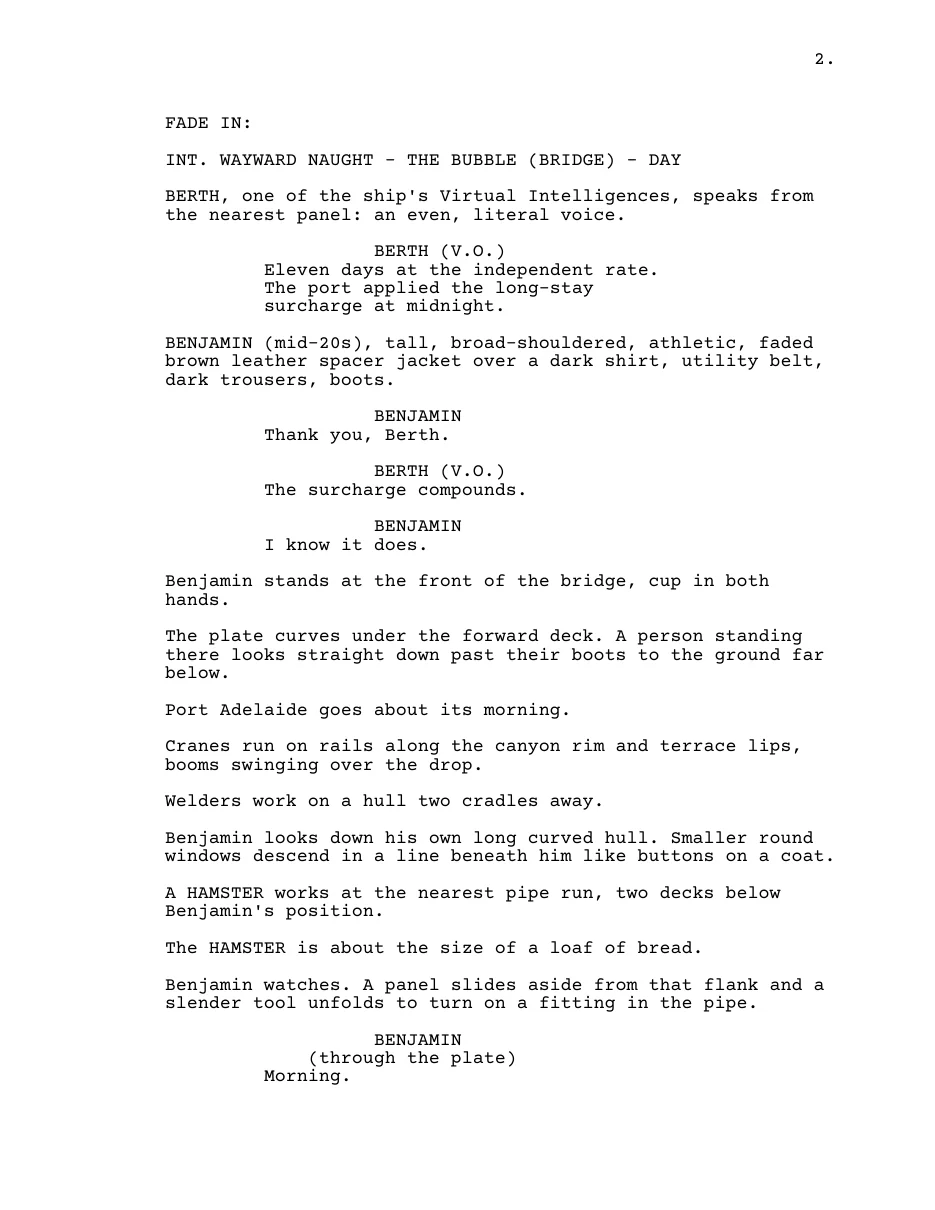
The finished book becomes a TV script and a movie script
StoryForge adapts the finished book into standard screenplay format: a feature film of about 120 pages, and a season of three one-hour episodes. Each comes out as Fountain, Final Draft (.fdx) and PDF, so it opens in the screenwriting app you already use. Scenes are scored for the story, and you choose which to keep, trim or merge.
Step 6
From script to film: first test
First test · work in progress
The first scene of Episode 101, made from the script on one local RTX 5090. It reuses the audiobook’s voice takes line for line, so the film and the audiobook sound the same, and no new lines were recorded. It uses short hard cuts and leaves the rest to the viewer.
Next: the film stage will use the Dynamic TTS storyboard images as its start frames, so every shot begins from an approved picture.
Your book stays yours
- StoryForge runs on your own PC. There is no StoryForge account to create.
- Your manuscript, bible and outputs stay on your disks. We don’t store any of it.
- Nothing changes your canon without your approval, and every approved change is kept as a version.
More from AI Playground
See everything that’s live and in progress on Hire Me, or go back to the home page.