Edit a diagram from an image
Got a flowchart or architecture diagram only as a screenshot? Diagram Tool converts the image into an editable diagram: it reads the words and finds the boxes and lines in a PNG or JPG, so you can change them instead of painting over a picture. It all happens in your browser.
Sign in with Google or Apple. No credit card at sign-up. After the hour, the hosted site is $5/month. Paying also gives you a license to use the diagrams you save commercially, with no expiration. You own those files; we claim no rights to them. Work you create while subscribed stays licensed for commercial use even after you cancel.
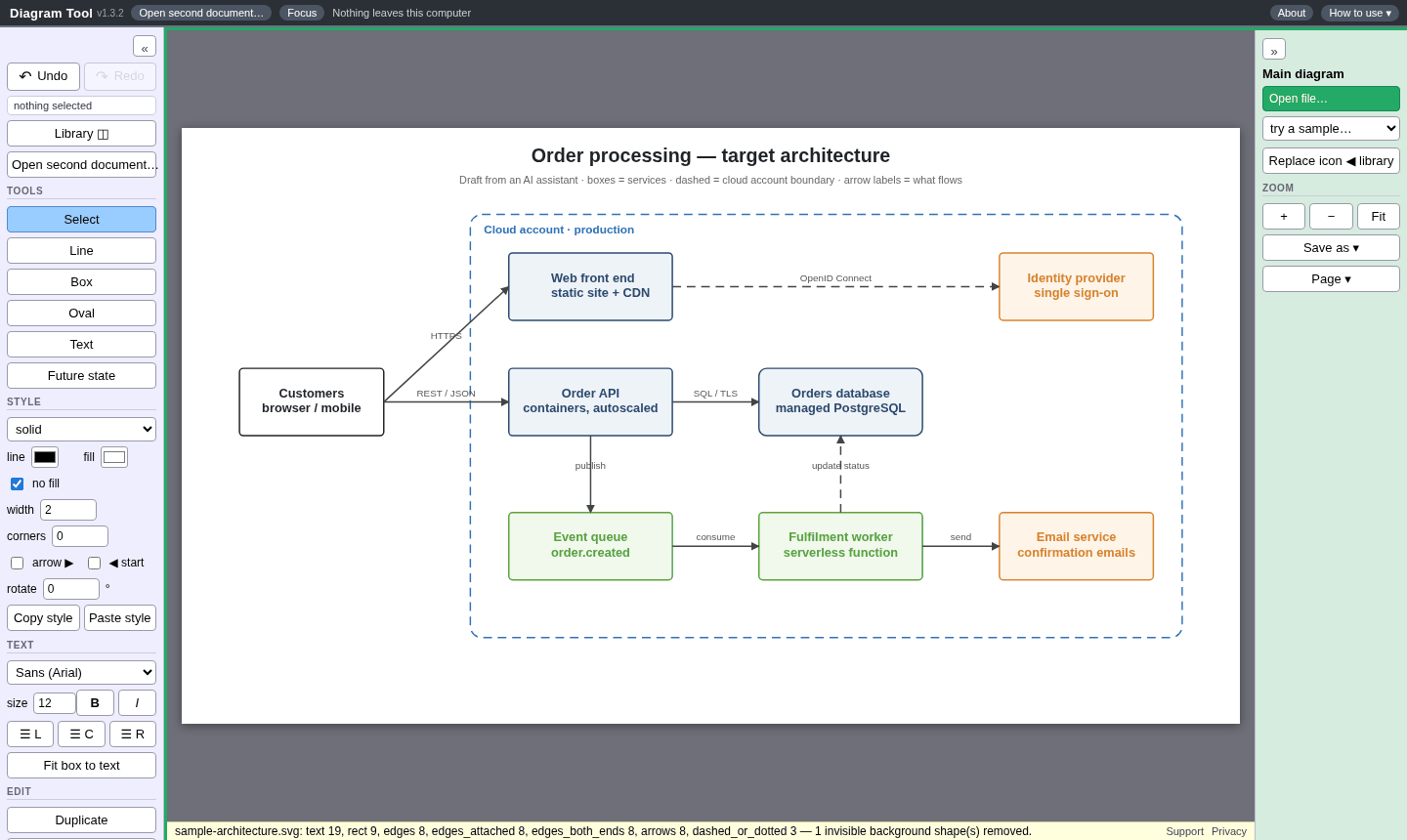
Step by step
- Sign in with Google or Apple. The first hour is the full editor, free, with no card.
- Click Open file… and pick the PNG or JPG, or drag it onto the page.
- The tool turns the text, boxes and lines it finds into editable shapes and hides the original picture. Click Show background in the left column if you want to trace over it.
- Fix what it misread: double-click text to change it, drag a box and its connectors follow, and use Replace icon to swap a wrong icon in place.
- Use Make page to crop and fit the diagram to a page, then Save as PDF, SVG, Visio, PowerPoint, draw.io or another format.
What to expect from an image
- Reading a picture is best-effort. Clean screenshots work best; photos of whiteboards are rough.
- Dashed containers and very small labels can be lost or misread, so check the result before you send it.
- If the diagram exists as an SVG, draw.io file or a real PDF, open that instead. Those come in as exact shapes and words.
- A PDF that was printed from a browser is only a picture inside, so it is read the same way as a screenshot.
Own your stuff
Diagram Tool opens, edits and saves your files inside your browser. Nothing is uploaded, and signing in is only used to check your trial or subscription. Your diagrams stay ordinary files on your own computer, in formats other tools can open. A $5/month subscription also gives you a license to use the diagrams you save commercially, with no expiration. You own those files; we claim no rights to them. Work you create while subscribed stays licensed for commercial use even after you cancel. See the Terms.
More Diagram Tool guides
- Edit a diagram someone sent as a PDF
- Open a Visio file online, without Visio
- Convert a diagram between draw.io, Visio, PDF and more
- Diagram Tool: what it does, formats, price and questions.